Letting People Book and Pay Without You in the Loop
Online booking and taking payment up front can end phone tag and cut no-shows — but not every business needs it. An honest look at when it's worth setting up.
Picture the most ordinary friction in your week. Someone wants an appointment. They call while you're with a client, so they leave a voicemail. You call back, they're out, you leave one too. By the time you actually connect, a day has gone and you've both spent goodwill on a thirty-second decision. That back-and-forth has a name nobody likes — phone tag — and online booking is mostly the cure for it.
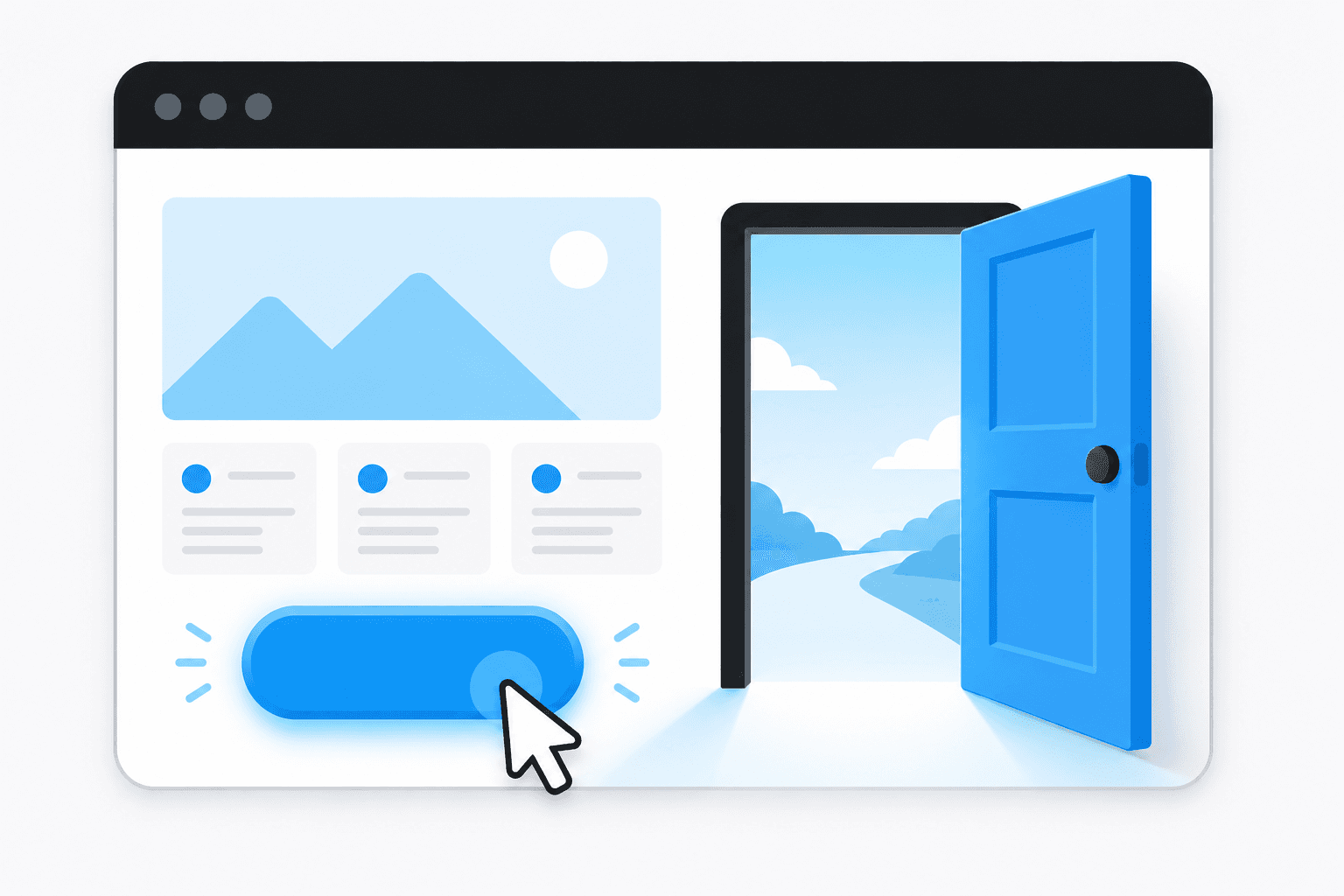
The idea is simple: you put your real availability on a page, and the customer picks a slot that suits them, at whatever hour suits them. It lands in your calendar. Nobody had to be free at the same time. That's the whole trick, and for the right business it quietly removes one of the most annoying parts of the day.
Why this helps appointment businesses most
If your work is booked by the slot — a consultation, a sitting, a review meeting, a treatment — this is squarely aimed at you. Two things tend to improve right away.
The first is the phone tag, gone. People book at the moment they decide, which is often the evening, long after your office closed. An enquiry you'd otherwise have to chase becomes a booking you wake up to.
The second is no-shows. A good booking tool sends an automatic reminder — a text or an email the day before — and reminders genuinely cut the number of people who forget. That's not a clever tactic; it's just that most no-shows aren't people changing their minds, they're people whose week ran away with them. A nudge the night before catches a lot of them.
Taking payment, or a deposit, up front
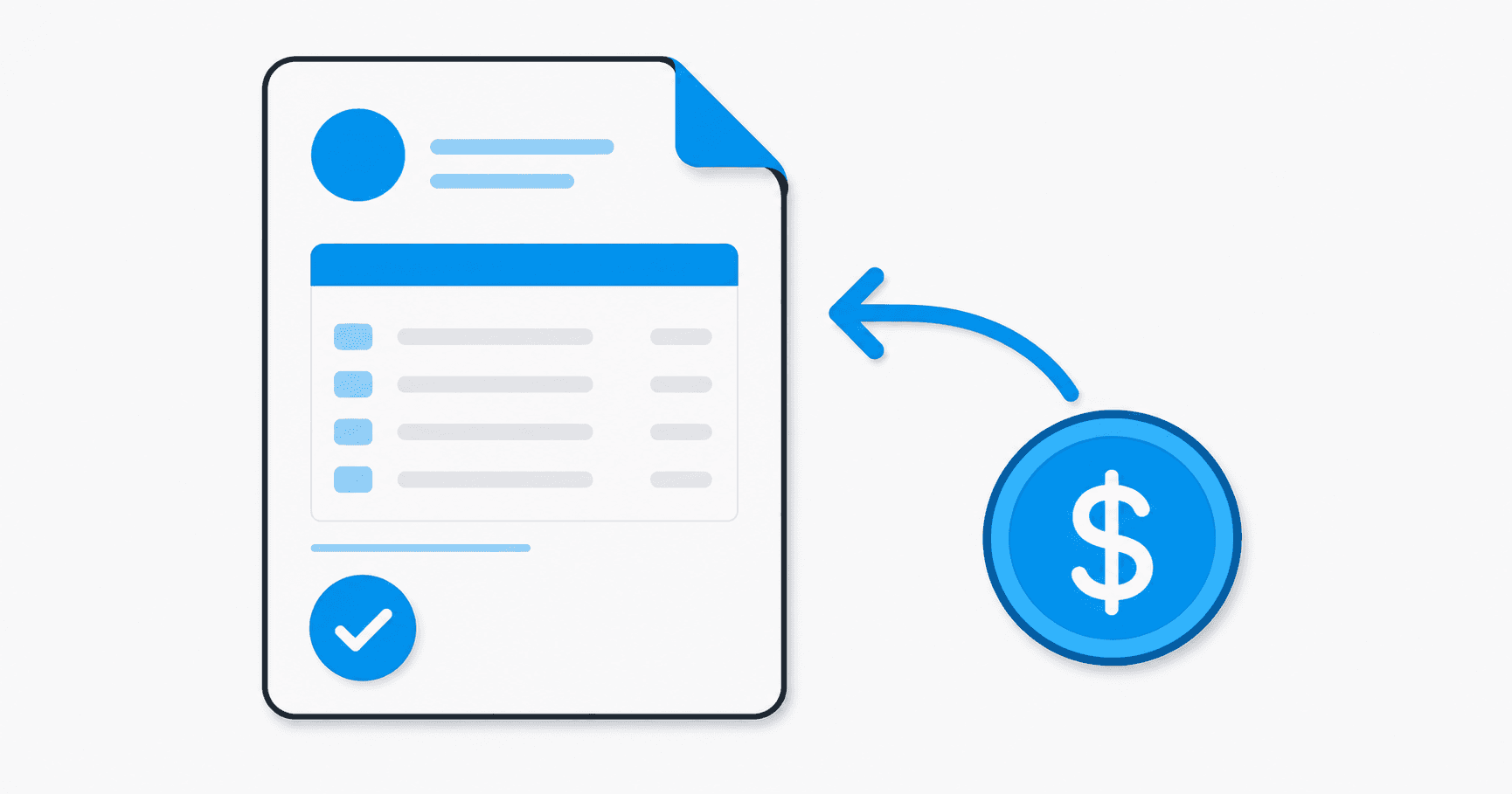
The natural next step is money. The same page that takes the booking can take a payment, or just a deposit to hold the slot.
A deposit changes the feel of a no-show. When someone has put down even a small amount, they show up, or they cancel properly so you can fill the slot — either of which beats an empty chair you found out about at 9am. For some businesses, taking the whole fee at booking makes sense; for others, a deposit is plenty and feels friendlier. And there's a quieter benefit: the awkward "so, about the bill" conversation is already handled before they walk in.
A fair warning, because honest is the point here: payment online means a card fee, usually a small percentage of each transaction. It's the cost of the convenience. For most appointment businesses it's well worth it against the no-shows it prevents, but it's a real number and you should know it's there.
The honest caveat: plenty of you don't need this
Here's the part most people selling booking software won't lead with. If you have ten clients a month, know them all by name, and genuinely like the phone call where you sort out the details — keep doing that. The personal call is your service for some businesses, and a booking page would make it worse, not better. There's no prize for automating a thing that's already working and that your customers like.
The same goes if your work doesn't really fit into slots — if every job is a different shape, a quote before a date, a conversation before a commitment. Booking tools love tidy, repeatable appointments. Force a messy reality into one and you'll spend more time fighting it than you saved.
So the test is plain: is the back-and-forth actually costing you — in lost enquiries, in no-shows, in evenings spent playing phone tag? If yes, this earns its keep fast. If no, you have my blessing to skip it. This is one of those "you might not need this" blocks, and that's a perfectly good answer.
What to look for, plainly
If it does fit, you don't need anything fancy. Most calendar and booking tools — and there are plenty, from standalone ones to features built into the website builders — cover the basics well. A few plain things to check:
- It shows your real availability. No double-booking, no offering slots you can't do. This is the whole job; get it right.
- It sends reminders by itself. This is where the no-show savings live. If you'd have to remember to send them, you won't, and you've lost half the value.
- It puts bookings in the calendar you already use. Google, Outlook, whatever you live in. If you have to check a second place, you'll miss things.
- Payment, only if you want it. Look at the per-transaction fee plainly and decide if deposits or full payment fit how you work. Don't bolt it on just because it's offered.
- It's simple for the customer. Too many steps and people give up. The best booking page is the one a distracted person finishes in under a minute.
You'll notice none of that is technical. It's just matching the tool to how your business actually runs — which is the same lesson as everywhere else in this collection.
Where this sits in the bigger picture
Booking and payment are part of what your front door does once someone arrives — turning a visitor into a customer with the least friction possible. It's one block of a larger board, and like every block it's only worth adding if it's the piece you're actually missing. The Small Business Website Buyer's Guide lays out the whole board, and the real magic is usually in wiring two of these pieces together — a booking that quietly fires a reminder, then a thank-you the next day — rather than in any one tool on its own.
If you're not sure whether booking and payment would save you real time or just add a gadget you don't need, that's exactly the kind of thing I like looking at. It's a 15-minute, no-pitch conversation — you tell me how your business works, I tell you what I see. Have a look here.